|
This function of the CNC editor controls the block numbers of lines of g-code.
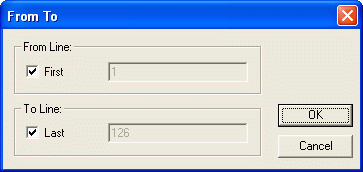
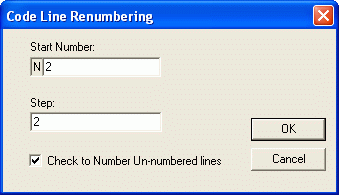
Standard CNC block numbers with the format of Nnnnn are used. By following the instructions in the dialog boxes that appear, the user chooses the section of the file to be renumbered, the beginning block number, and the increments required. The user may choose to number unnumbered blocks of code.
There is also a function to strip all block numbers from the file. The maximum block number (default: N9999) can be set with the Tools, Options menu.
|
